
How to Cashout ApexGaming: Complete Cash In & Cash Out Guide
Moving money in and out of your account should be the easiest part of playing — not the part that trips you up. This guide covers how to cashout ApexGaming winnings and how to cash in funds, using the platform’s confirmed process: GCash, Maya, or Bank Transfer, with a P100 minimum and no maximum withdrawal limit.
Before either process, there’s one setup step most players miss the first time.
🏆 Latest Winners
Before Your First Transaction
Two things need to be in place before you can move money:
Set your PIN. The first time you open the Banking section, you’ll be prompted to create a unique PIN. This PIN covers every cash in and cash out request going forward — it’s separate from your login password, so forgetting one doesn’t lock you out of the other. Look for Go Setting to set it up.
Bind your withdrawal account. You can cash in without this, but you can’t cash out until your GCash, Maya, or bank account is linked to your profile. Do this before your first withdrawal — not when you’re already trying to pull out winnings — so there’s nothing holding up the request.



How to Cash In
Cash-In Guide
- Log in and open the Banking section, then select the Cash In tab.
- Choose your payment method: Maya, GCash, or Bank Transfer. Each one opens a sub-channel selection — for example, a specific GCash QR channel — so pick whichever is showing as available at the time.
- Enter your amount, or tap one of the quick-amount buttons. The minimum is P100 across all three methods, and there’s no deposit fee.
- If a promotion applies, you’ll see it as an option at this stage. Review the bonus terms before applying one — more on that below.
- Confirm the summary — amount, bonus (if any), total, and the withdrawal turnover you’ll need to clear — then complete payment through your chosen method. Funds usually land in your balance within a minute.
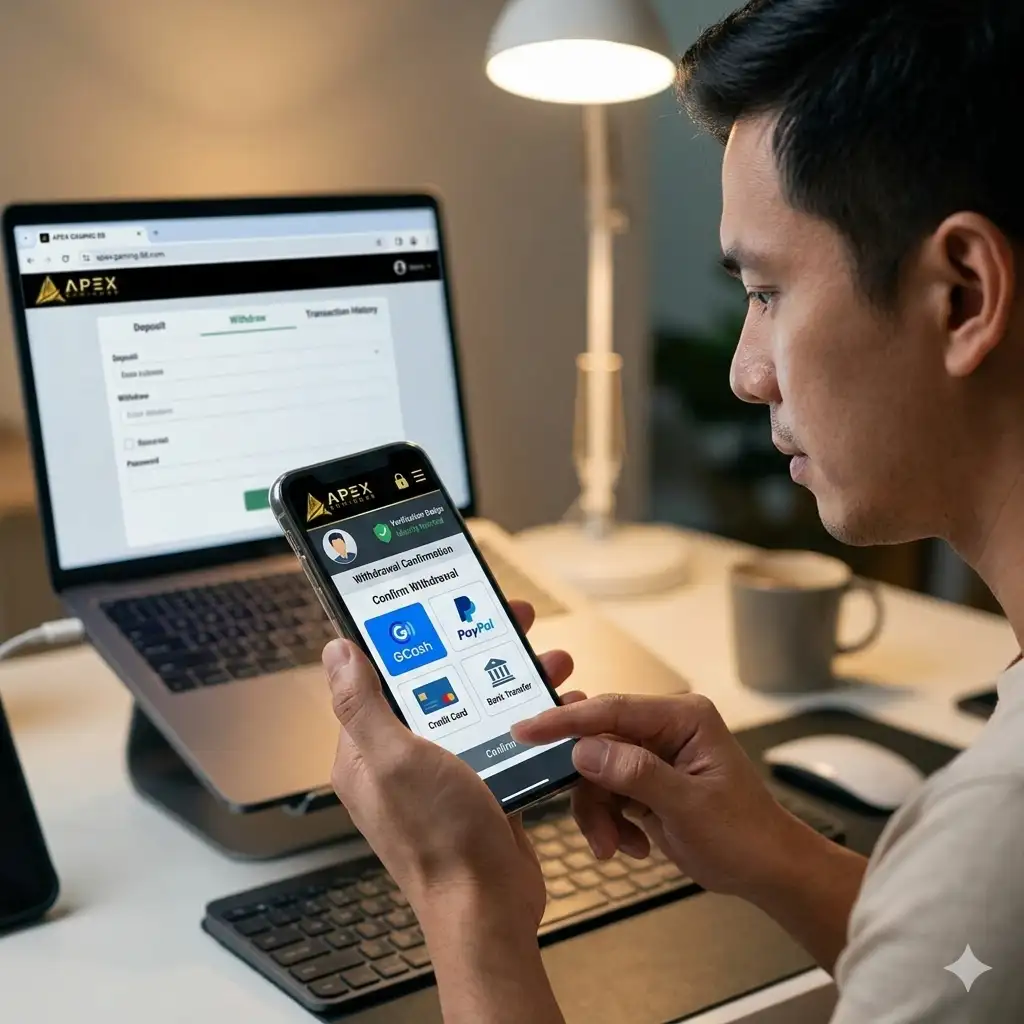
How to Cashout
Cash-Out Guide
- If you haven’t already, bind your withdrawal account from the Cash Out tab. This is a one-time step.
- Check that your withdrawal turnover requirement is fully cleared — you can see this in your account or on the Cash In summary screen. Submitting before it’s cleared won’t go through.
- Open the Cash Out tab, select your bound account, and enter the amount. Minimum is P100, and there’s no cap on the maximum.
- Confirm the request. Processing is typically done within a minute.
No ID is required for a standard cashout. Verification only comes into play if your account is locked, has a restriction, or a flagged violation — not as a routine step.
Deposit Bonuses Worth Knowing
Two standing promotions apply to cash-ins, not tied to a calendar window:
- 40% Welcome Boost — new players, first deposit only. Minimum P100, maximum qualifying deposit P50,000, maximum bonus P20,000, x5 turnover. Playable on Slots, Fishing, and Arcade games.
- 5% Maya Extra Bonus — applies to every Maya cash-in, no limit on how many times you claim it. Minimum P100, maximum qualifying deposit P50,000, maximum bonus P2,500 per transaction, x5 turnover.
Either bonus adds to your withdrawal turnover requirement, so factor that in if you’re planning to cash out soon after depositing. If you’d rather skip the turnover math entirely, you can decline the bonus at the confirmation step and cash in without one.
Why Withdrawals Get Delayed
When a cashout takes longer than expected, it’s usually one of three things: high transaction volume on the platform, scheduled system maintenance, or an account flag from unusual activity. If your withdrawal is sitting well past a minute with no update, that’s the point to reach out to support rather than resubmitting the request.
Keeping Cash In/Out Running Smoothly
A few habits prevent most delays before they happen:
- Keep the payment account you binded (GCash, Maya, or bank) active — an expired or unlinked account is the most common reason a cashout stalls.
- Stick to one account per player. Multiple accounts trigger withdrawal restrictions and bonus cancellation, regardless of intent.
- Track your withdrawal turnover as you play, rather than checking for the first time when you’re ready to cash out.
Responsible Gaming
ApexGaming is currently under PAGCOR monitoring. Set a deposit budget before you play, and treat it as a limit — not a starting point to chase losses from. Deposit limits and self-exclusion tools are available in your account settings if you want more control over your spending. For independent support, PAGCOR can be reached at ResponsibleGaming@pagcor.ph.
Need Help With a Transaction?
- Live Chat via Facebook Messenger: ApexGaming Official Facebook Page
- Telegram: Join the ApexGaming Telegram Group
- Email: apexgamingphilippines@gmail.com
Support can look into a delayed cashout, a cash-in that didn’t reflect, or a turnover balance that doesn’t match what you’re seeing.
Frequently Asked Questions
Is my PIN the same as my account password?
No. Your password logs you into your account. Your PIN is a separate code required for every cash in and cash out request. Forgetting one doesn’t lock you out of the other.
Do I need to bind a withdrawal account before I can cash in?
Turnover is tied to your deposit, and to any bonus you claimed on it. It’s not a review or approval step — it’s a wagering requirement that has to be met before a cashout request is allowed to go through at all.
Why does my withdrawal need to clear a turnover requirement first?
Turnover is tied to your deposit, and to any bonus you claimed on it. It’s not a review or approval step — it’s a wagering requirement that has to be met before a cashout request is allowed to go through at all.
Can I use a different GCash, Maya, or bank account than the one I deposited from?
Your cashout account is whatever you’ve bound in the Cash Out tab — it doesn’t have to match your cash-in method. Just make sure the bound account details are correct before you submit a withdrawal.
Will claiming a deposit bonus make my cashout take longer?
Not longer in processing time, but it does add the bonus’s own turnover requirement on top of your deposit’s. If you want to withdraw quickly after depositing, skipping the bonus is the simpler path.
What if I create a second account?
Don’t. The platform enforces one account per player. A second account triggers a withdrawal restriction and cancels any active bonus — even if the second account wasn’t the one used to try to cash out.
