
ApexGaming Forgot Password Guide
Getting locked out happens to almost every player at some point, especially if you switch phones often or share a device with family. This ApexGaming Forgot Password Guide walks you through what to do when you can’t get back into your account, so you can follow forgot password ApexGaming steps that actually match how recovery works — not a generic process copied from another site.
A locked account doesn’t mean anything is wrong with it. It usually just means the system can’t confirm it’s you yet.
Why Players Get Locked Out
Most lockouts trace back to one of a few things:
- Wrong email guess. A lot of Filipino players register with a personal Gmail or Yahoo address that’s different from the one linked to their GCash or Maya account. If you’re trying to recall your login details, remember it’s the email used at sign-up, not necessarily the one tied to your e-wallet.
- Too many failed login attempts. Repeated wrong-password tries can trigger a temporary lock on top of a forgotten password.
- Old saved passwords on a shared device. If a household member’s phone auto-fills an outdated password, it can look like repeated failed attempts even when you’re the one logging in.
If You Still Have Access: Reset Password or PIN In-App
If you’re logged in and just want to change your password or PIN — not locked out — ApexGaming has a direct in-app option for that. From your account menu, you’ll find Reset Password and Reset PIN Code, both of which ask for your current password or PIN first before setting a new one. For the full walkthrough of that process, see our separate How To Reset Password guide.
This page covers the other situation: you’re locked out and don’t have the old password to enter.
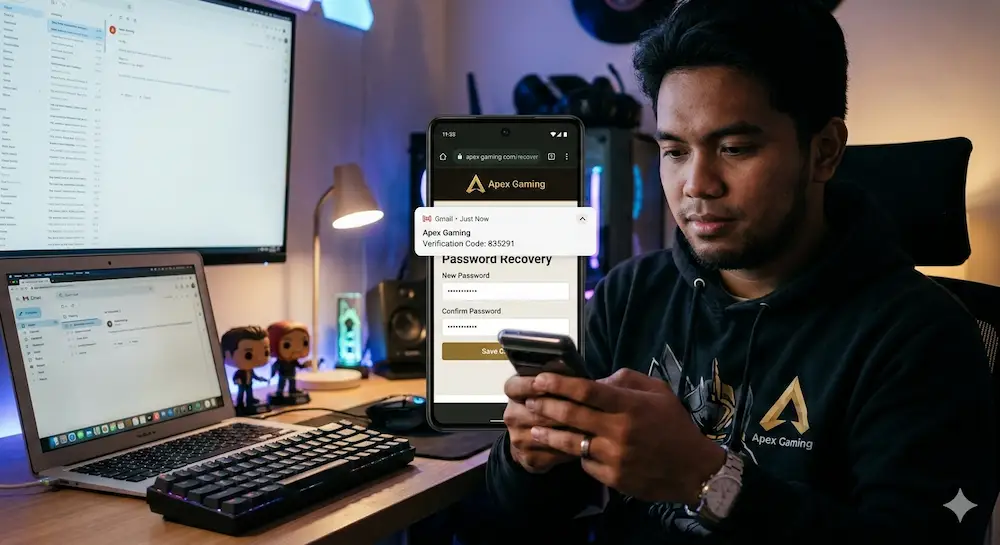
If You're Locked Out With No Access
There’s currently no self-service form for this. The recovery path is to contact ApexGaming support directly, through whichever channel is available to you — Live Chat, Telegram, or Facebook Messenger. Support typically responds within 10 to 30 minutes, though it can take longer if the queue is busy or another player’s query is ahead of yours.
Have These Ready Before You Message Support
Having your details on hand upfront helps support move faster, since a support agent still needs to confirm you’re the actual account owner:
- Your registered email address
- Your registered phone number
- Your account ID (shown in your account profile, e.g. “ID: 0002osv”)
- A recent GCash or Maya transaction reference, if you have one
Exactly which of these support asks for can vary by case, so having all four ready covers you either way.
Frequently Asked Questions
Is Reset PIN Code the same as Reset Password?
No. Your password logs you into your account. Your PIN protects transactions like withdrawals. They’re reset separately, and losing one doesn’t mean the other is compromised.
What if support doesn't respond within 30 minutes?
Stay in the queue rather than opening a second chat on another channel at the same time — that can split your case across two conversations and slow things down further.
Can someone else reset my password for me?
No. ApexGaming support will only process a reset with the account owner, and will never ask for your password or PIN directly. If anyone claiming to be ApexGaming asks for either, that’s not really support.
Keeping Your Account Secure After Recovery
Once you’re back in:
- Update your password every few months, not just when you’re locked out.
- Don’t reuse the same password across other gaming or e-wallet accounts.
- Never share your password or verification details with anyone, including messages claiming to be ApexGaming staff.
- If you spot a login or transaction you don’t recognize, report it to support right away.
Responsible Gaming
Account security is part of playing responsibly. ApexGaming is currently under PAGCOR monitoring and provides deposit limits, session controls, and self-exclusion tools in your account settings if you want more control over your play. For independent support, you can reach PAGCOR directly at ResponsibleGaming@pagcor.ph.
While You're Here
Once your account access is sorted, check the current promotions page for active bonus events and missions — offers change often, so it’s kept separate from this guide to stay accurate.
Need Help? Contact Support
- Live Chat via Facebook Messenger: ApexGaming Official Facebook Page
- Telegram: Join the ApexGaming Telegram Group
- Twitter/X: Follow ApexGaming on X
- YouTube: Watch ApexGaming on YouTube